Shopify brands connect to TikTok Shop through the TikTok for Shopify app. Before you connect, make sure Shopify has a valid US business location (no P.O. boxes), each product has weight and dimensions, and any certifications your category needs. Shopify becomes the source of truth: edit products in Shopify, because changes made in Seller Center get overwritten.
By Hassan Raza, Founder, Digital Shaheens · Published · Last updated:
Step by step
Fix your Shopify locations
In Shopify > Settings > Locations, use a valid US street address (no P.O. box), a 10-digit phone number and a 5-digit zip code.
Complete product data
Add product weight, dimensions and any product certification your category needs, because Shopify may not require them but TikTok Shop can.
Clear pending orders and old connectors
If you already sell on TikTok Shop, finish pending orders, returns and refunds, and disconnect connector apps that are not compatible.
Install TikTok for Shopify and sync products
Connect the app, then use Manage and Sync Products to choose products, check categories and sync.
Review categories and sync status
Check each product’s TikTok Shop category and fix anything marked Information needed or Sync failed.
Confirm shipping
New sellers default to TikTok Shop shipping. Switch between that and Shipped by Seller in Seller Center if you need to.
Before you connect: what TikTok Shop checks in Shopify
TikTok Shop's US onboarding guide for TikTok for Shopify lists what needs to be right in your Shopify store first:
- Business location: a US location is required, and only US business and warehouse addresses are supported. Locations sync to TikTok Shop as your warehouse and return addresses.
- Address format: valid country, region and state, full street information (P.O. boxes are not supported), a valid 10-digit phone number and a 5-digit zip code.
- Product catalog: products sync automatically and are given a TikTok Shop category automatically, which you can review in Seller Center > Manage Products.
- Product attributes TikTok Shop may require that Shopify does not: product weight, product dimensions (height, width, length) and product certification for some categories.
If you already sell on TikTok Shop
- Check that your connector apps are compatible with TikTok for Shopify, or disconnect them first. Incompatible apps can cause order status problems.
- Complete pending or unfulfilled orders, including pending returns and refunds, before connecting. Existing TikTok Shop orders and later updates to them do not sync to Shopify and stay in Seller Center.
- Map your existing TikTok Shop products to Shopify products. The app links products that share the same SKU, automatically or manually, using the Map now prompt in Manage and Sync Products.
Syncing products the right way
The initial catalog and inventory sync runs during onboarding and shows all products that are Active in Shopify. After that, Shopify is the source of truth: add and update products in Shopify, because product updates made in Seller Center get overwritten.
In Manage and Sync Products you can pick products and use Edit and Sync to change attributes and choose the category, or apply a category template to many products at once. Each product shows a status: Live, Not synced, Information needed or Sync failed. Fix the last two before launch.
Choose the category carefully. TikTok Shop’s Product Listing Policy says listing a product in the wrong category is a violation, and some categories need qualification before products can go live. See our seller requirements checklist.
Shipping and orders
If you are new to TikTok Shop, you start on Shipped by Platform, TikTok Shop’s shipping service. You create labels in Seller Center, can manage these orders in Shopify, and order fulfilment status updates in Shopify automatically. You can switch between TikTok shipping and Shipped by Seller at any time in Seller Center > Shipping Options.
After the sync: launch checks
- Business verification and tax details are complete in Seller Center (products stay hidden until verification is done).
- Your Official TikTok Account is linked to the shop.
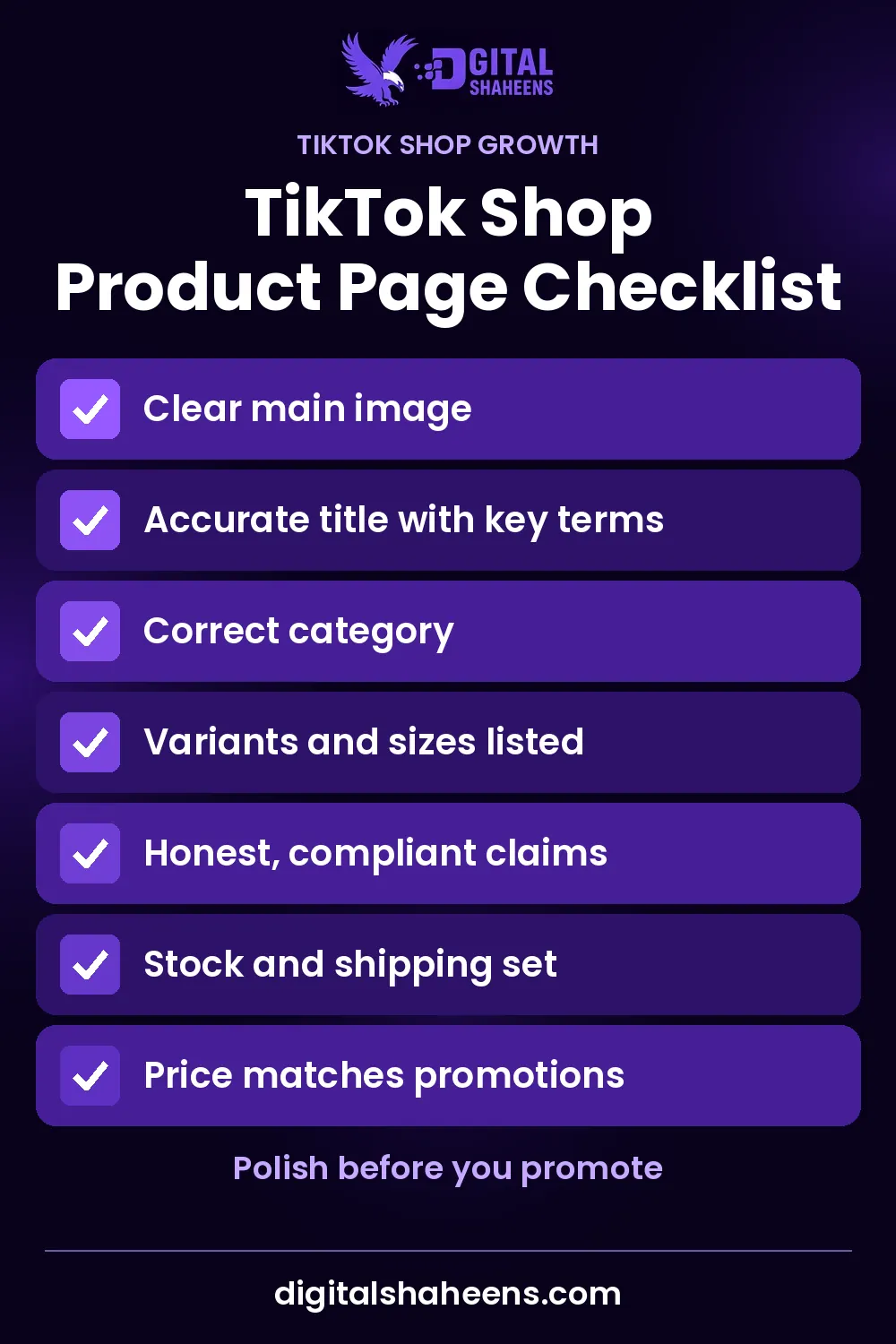
- Listings have accurate titles, images and categories, with restricted categories approved.
- Inventory in Shopify matches what you can ship.
- Creator affiliate collaborations and samples are ready. See how to launch your brand on TikTok Shop.
For the full pre-launch list, use the TikTok Shop launch checklist for brands.
Frequently asked questions
How do I connect Shopify to TikTok Shop?
Install the TikTok for Shopify app, complete onboarding, then sync your products in Manage and Sync Products.
Can I use a P.O. box as my Shopify location for TikTok Shop?
No. TikTok for Shopify needs a valid US street address. P.O. boxes are not supported.
Should I edit products in Shopify or in Seller Center?
In Shopify. After onboarding, Shopify is the source of truth and product updates made in Seller Center get overwritten.
Do my existing TikTok Shop orders move to Shopify?
No. Existing TikTok Shop orders and later updates to them stay in Seller Center, so finish pending orders before connecting.
Why does a product say Information needed?
TikTok Shop needs data Shopify does not require, such as weight, dimensions or a certification. Add it with Edit and Sync, then sync again.
How Digital Shaheens helps
As a TikTok Shop agency, we connect Shopify brands to TikTok Shop: cleaning up locations and product data, mapping existing listings, choosing categories and qualification, and getting creator affiliates ready for launch.
Digital Shaheens is a US-registered TikTok Shop agency listed in TikTok Shop's partner directory. We do not guarantee approvals or sales.
If you want a second pair of eyes, Book a free consultation. No pressure; we will tell you if you can fix it yourself.
Sources
- TikTok Shop Academy (US): TikTok for Shopify onboarding guide (read October 21, 2026)
- TikTok Shop Academy (US): TikTok for Shopify: Shop Management Tab (read October 21, 2026)
- TikTok Shop Academy (US): Product Listing Policy (read October 21, 2026)
- TikTok Shop Academy (US): Registering for TikTok Shop (read October 21, 2026)