Open Seller Center, go to Account Health, then Violation Records, and read the ticket for the product. It shows the reason and, for product issues, the product ID. If a Correct button is there, fix the listing and upload proof before the timer ends. If enforcement already happened, you can appeal. TikTok allows two appeals per violation.
By Hassan Raza, Founder, Digital Shaheens · Published · Last updated:
Why products get suspended or removed
TikTok's Product Listing Policy says listings that do not meet its standards may be removed. The reasons it lists include:
- False or unproven claims about what a product does, including misleading before-and-after images and claims like curing a disease.
- Wrong category. Listing in the wrong category is itself a violation.
- Duplicate listings for the same product. Variations must sit under one listing.
- Images or text that do not match the product, or a main image without a white background, or text and logos on images.
- Off-platform links, QR codes or other site names in the listing.
- Brand and IP. Using a brand without authorization.
- Prohibited or restricted products, and prices far from category norms.
Seller Enforcement Policy lists removing or freezing listings, and points deducted from your Account Health Rating, among the actions.
Step 1: Find the violation reason
- Seller Center, Account Health, Shop Health, Violation Records.
- Open the ticket. Read: Violation reason, Violation details (product ID, or brand you need approval for), Next Steps, Compliance guidance.
- Check the status. Pending means enforcement has not taken effect, so you can still correct or appeal. Enforcement action taken means it is active, and appeal is your remaining option.
Save a screenshot of the notice. TikTok also emails you and sends a Seller Center inbox message.
Step 2: Fix the listing
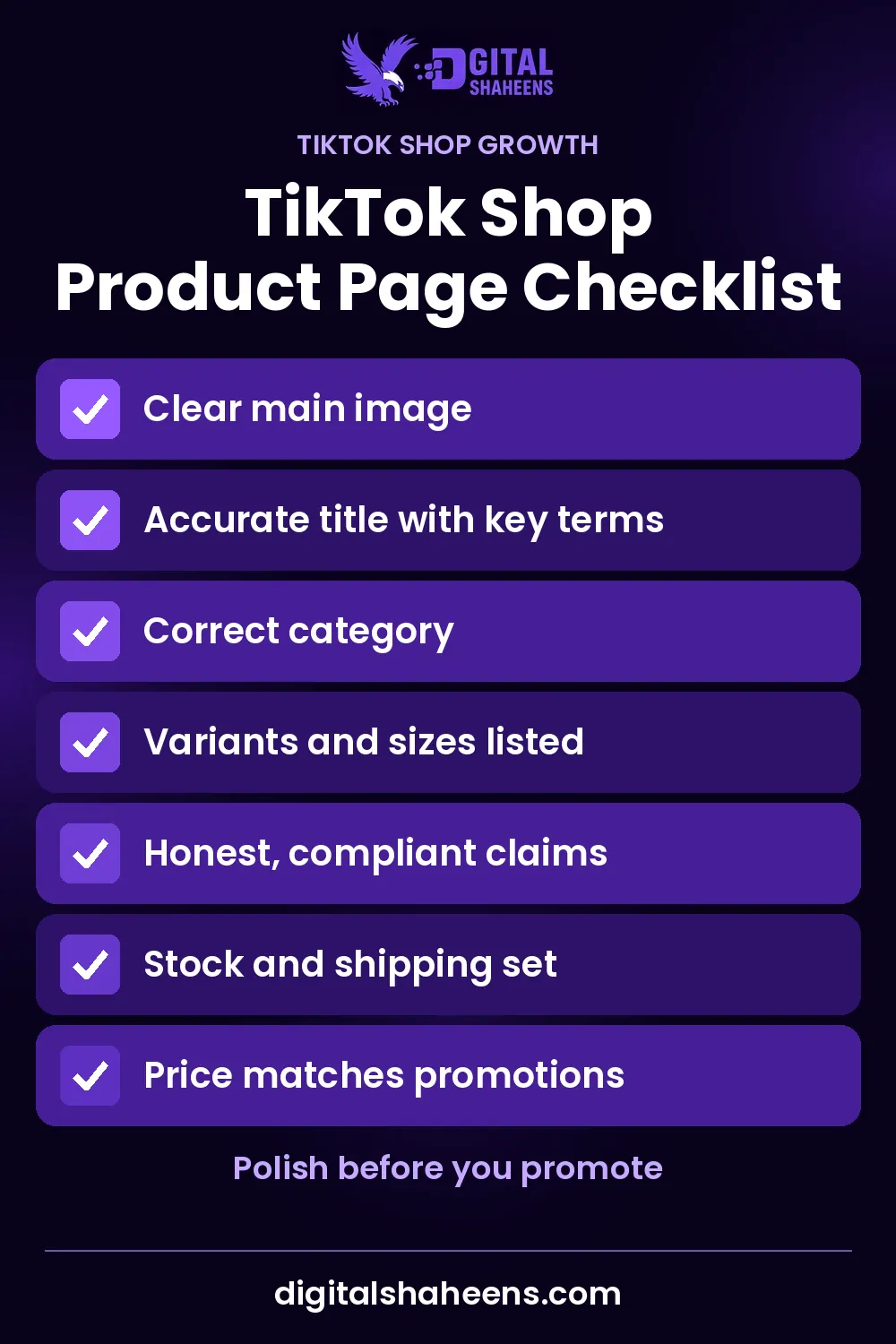
Match the fix to the reason:
- Claims: remove anything you cannot prove.
- Category: move it to the most specific correct category.
- Duplicate: merge into one listing with variations.
- Images: real product only, main image on white, no text or logos on images.
- Brand: get authorization before you list.
If the ticket offers Correction, TikTok's guide says to fix the listing, then upload proof (image or PDF, under 5 MB) after the corrected listing is live. Submitting without changes returns an error. These windows are short: TikTok says some are 12 to 72 hours.
Step 3: Appeal once, with evidence
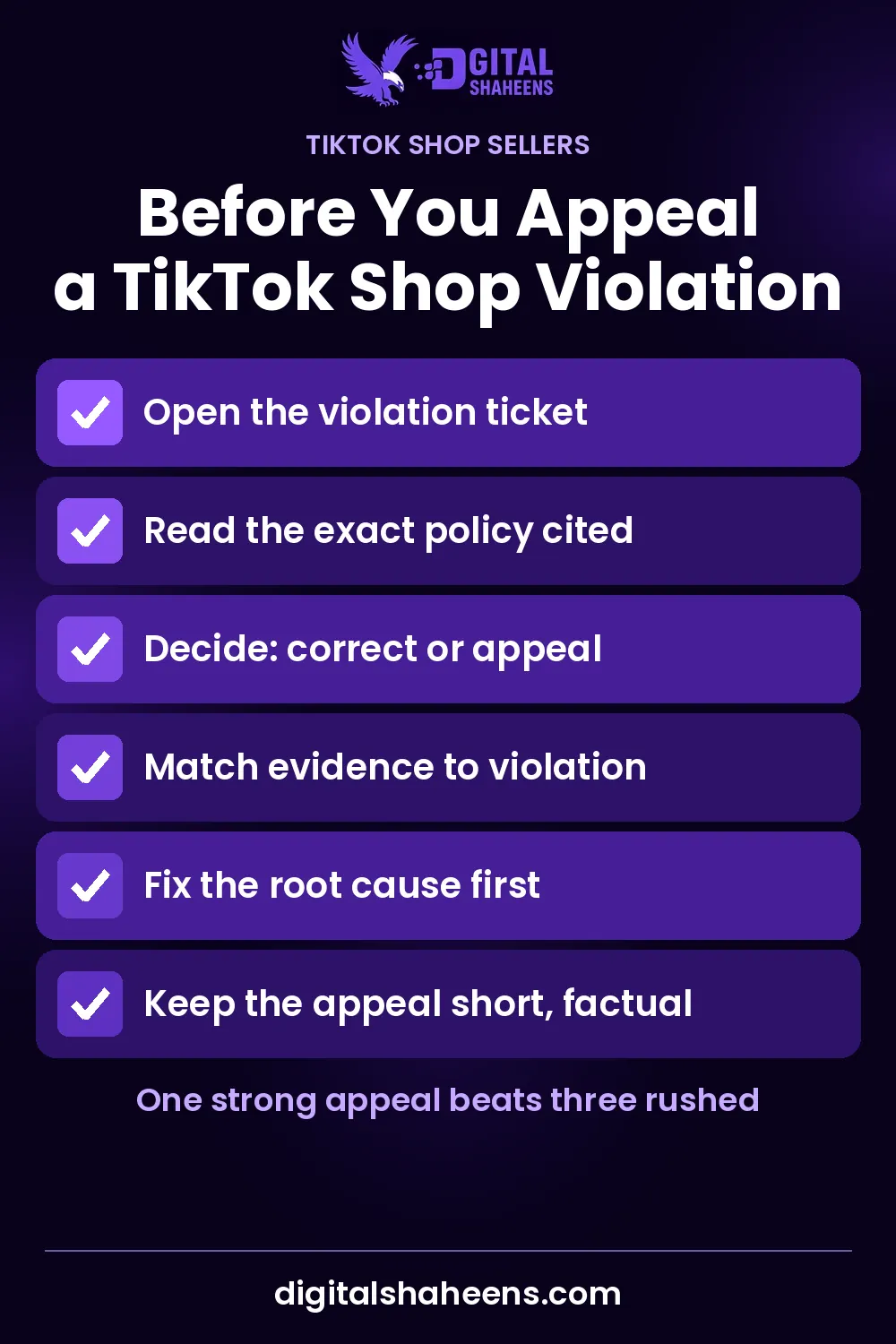
If you believe the decision was wrong, or a correction failed:
- File the first appeal within 30 days of notice. If rejected, the second is due within 15 days. Two is the maximum, and TikTok's decision after the second is final.
- You must collect and upload your own proof. TikTok's guide says incomplete, altered or low-quality documents are rejected automatically.
- Useful proof for a product appeal: supplier invoices, brand authorization, certificates or labels, and screenshots of the corrected listing. Keep the message short and factual.
Do not file a rushed appeal before you have fixed the problem. If your whole account is suspended, see account suspended appeal. For metrics and points, see account health problems. If the product is simply not showing up, read products not showing or ranking.
Frequently asked questions
Where do I find why my product was suspended?
Seller Center, Account Health, Violation Records. Open the ticket for the reason and product ID.
Can I just relist the product?
TikTok prohibits changing an existing listing to represent a different product, and duplicate listings can be removed. Fix the cause first.
How many times can I appeal?
Two per violation: the first within 30 days of notice, the second within 15 days of a rejection.
What should I upload with an appeal?
Complete, original, legible proof that matches the reason: invoices, authorization, certificates, corrected-listing screenshots.
Does a removed listing affect my account?
TikTok may deduct Account Health Rating points. Repeated violations get stronger enforcement.
How Digital Shaheens helps
We audit the flagged listing against the policy, fix what is wrong, and help you pull the evidence before you appeal. TikTok makes the decision and we cannot guarantee an outcome. Want help with a flagged catalog? See our TikTok Shop management for DTC brands.
Digital Shaheens is a US-registered TikTok Shop agency listed in TikTok Shop's partner directory. We do not guarantee approvals or sales.
If you want a second pair of eyes, Book a free consultation. No pressure; we will tell you if you can fix it yourself.
Sources
- TikTok Shop Academy (US): Product Listing Policy (page dated 09/01/2026) (read October 29, 2026)
- TikTok Shop Academy (US): What To Do When You Receive A Violation (page dated 05/25/2026) (read October 29, 2026)
- TikTok Shop Academy (US): Violation & Appeal Guide (page dated 05/29/2026) (read October 29, 2026)
- TikTok Shop Academy (US): Seller Enforcement Policy (page dated 10/09/2026) (read October 29, 2026)